Google Flights Tricks That Most Travelers Do Not Know About
I was searching for a flight from San Francisco to Tokyo and noticed something strange. Google Flights was showing a price of $512 round trip on Japan Airlines,...

I was searching for a flight from San Francisco to Tokyo and noticed something strange. Google Flights was showing a price of $512 round trip on Japan Airlines, but when I clicked through to book, the price jumped to $687. The fare had expired between the time Google cached it and the time I clicked. This used to happen to me constantly until I discovered a Google Flights feature that most people do not know exists: the "Track Prices" toggle that sends you an alert the moment a fare drops, before it disappears.
Google Flights is the most powerful flight search tool available to consumers, and most people use it to do basic round-trip searches and nothing else. That is like buying a Swiss Army knife and only using the corkscrew. The platform has at least a dozen features that can save you significant money, and I have spent the past three years learning all of them. Here are the tricks that actually move the needle.
Price Tracking and Date Grid Features
The price tracking feature is the single most valuable tool on Google Flights. When you search for a route, toggle on "Track Prices" and Google will email you whenever the fare changes. I set up tracking for 15 routes simultaneously and receive 3 to 5 alerts per day. Most of the alerts are price increases, which I ignore. But about once a week, I get an alert for a genuine price drop, and those are the ones that matter. I booked my SFO to Tokyo flight for $487 after receiving a drop alert, a fare that was $230 below the average price for that route at the time.
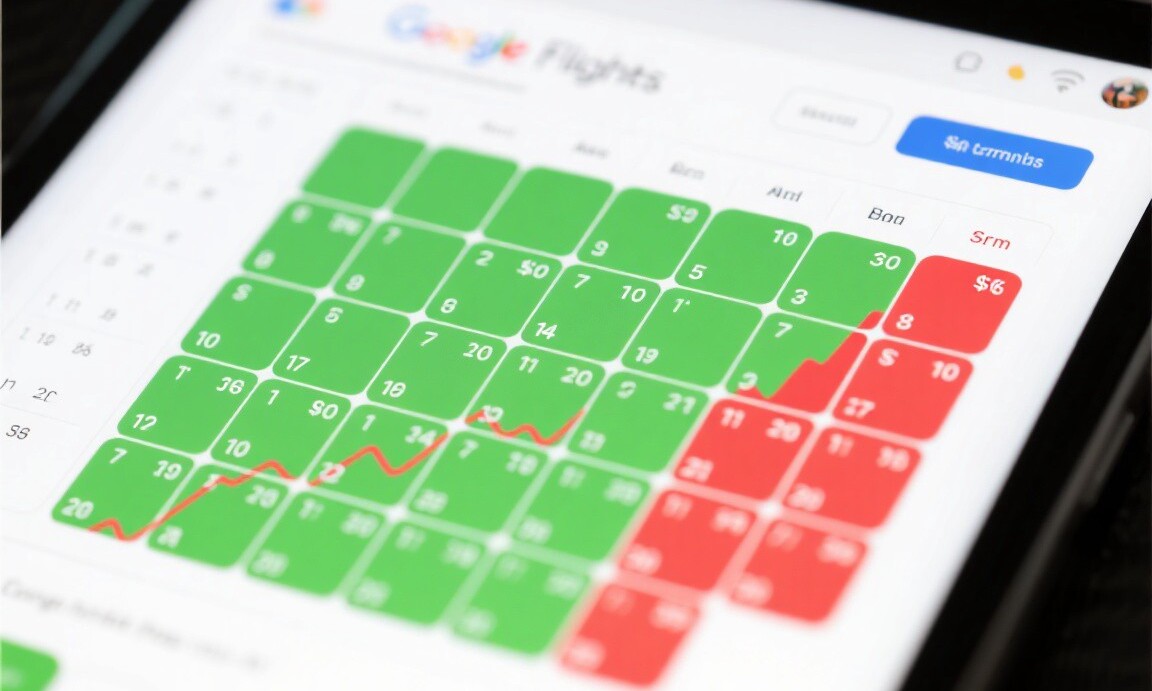
The date grid is another underused feature. When you search for flights, click on the departure date and a calendar grid appears showing prices for every day in the month. Green dates are cheap, red dates are expensive, and the difference can be hundreds of dollars. I was searching for flights from Chicago to Cancun and the date grid showed that departing on Wednesday, March 12 was $198 round trip while departing on Saturday, March 15 was $412. Same route, same airline, three days apart. The date grid makes these patterns immediately visible.
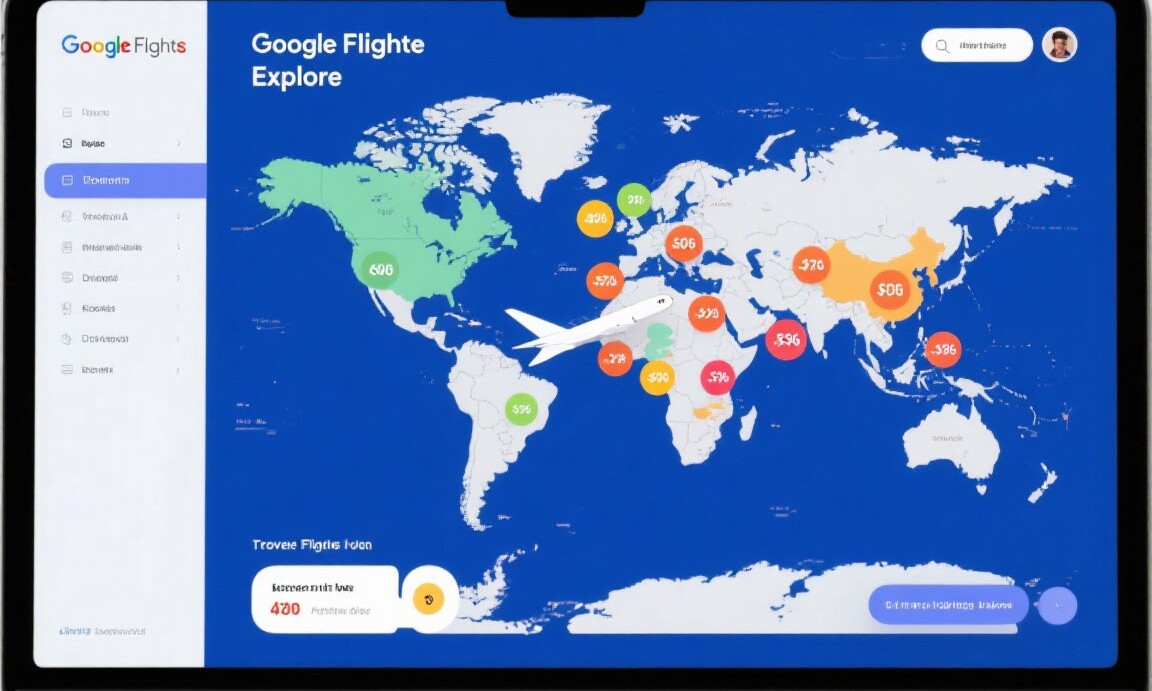
The "Explore" feature is Google Flights' hidden gem. Go to the Google Flights homepage and type your departure city in the "Where to?" box without entering a destination. A map appears showing flight prices to destinations worldwide. I used this feature in January and found a $310 round trip from San Francisco to Seoul on Korean Air, a fare that was $400 below the average price for that route. I had not been planning to visit Korea, but at that price, it was an easy decision. The Explore map is the best tool for flexible travelers who care more about price than destination.
Advanced Search Techniques
Multiple airports filtering is a feature that can save you hundreds of dollars with a single toggle. When you search for flights, click "Nearby airports" and Google will include alternative departure and arrival airports in the results. I searched for flights from New York to London with nearby airports enabled and found a fare from Newark to London Stansted on Norwegian Air for $287 round trip. The same search with only JFK and Heathrow showed a lowest fare of $520. Stansted is a 45-minute train ride from central London, but the $233 savings more than covered the train ticket.
The "2 stops" filter is another trick. Most travelers filter for nonstop or one-stop flights, but adding two-stop options can reveal dramatically cheaper fares. I was searching for flights from Los Angeles to Bali and the cheapest one-stop option was $890. Expanding to two stops revealed a routing through Taipei and Manila on China Airlines for $540. The total travel time increased from 20 hours to 28 hours, but I saved $350 and got to visit Taipei during the layover. For budget-conscious travelers with flexible schedules, two-stop routes are a goldmine.
One more trick: the "Price graph" feature. After searching for a route, click the three dots next to the sort options and select "Price graph." This shows a chart of how the fare has changed over the past 12 months. I use this to determine whether the current price is above or below the historical average. If the current fare is in the bottom quartile of the historical range, I book immediately. If it is in the top quartile, I wait and set a price alert. This data-driven approach removes the guesswork from deciding whether to buy now or hold off.
Google Flights is free, powerful, and constantly being updated with new features. The tricks above took me three years to discover and refine, but they have saved me an estimated $5,000 in flight costs over that period. The airlines have sophisticated pricing algorithms working against you. Google Flights gives you the tools to fight back. The only cost is the ten minutes it takes to learn these features and the discipline to use them consistently.
Hotel reviewer and luxury travel on a budget specialist. Jake proves you don't need to spend a fortune for a great trip.
Related Reading
Explore more articles on this topic from our travel guides and tips.
-
1
How to Book Multi-City Flights Without Overpaying Hotel & Flight Deals · May 6, 2026
-
2
Airbnb vs Hotels: Which Is Actually Cheaper in 2026 Hotel & Flight Deals · Apr 15, 2026
-
3
Turkey on a Budget: Istanbul and Beyond for Less Destination Guides · May 12, 2026
-
4
How to Travel Africa on a Backpacker Budget Budget Travel · May 8, 2026