How to Keep Your Phone Charged During Long Travel Days
My phone died at 2 PM on a 14-hour travel day from Chiang Mai to Bangkok. I had taken a bus, two trains, and a tuk-tuk, and my phone was my map, my ticket, my t...
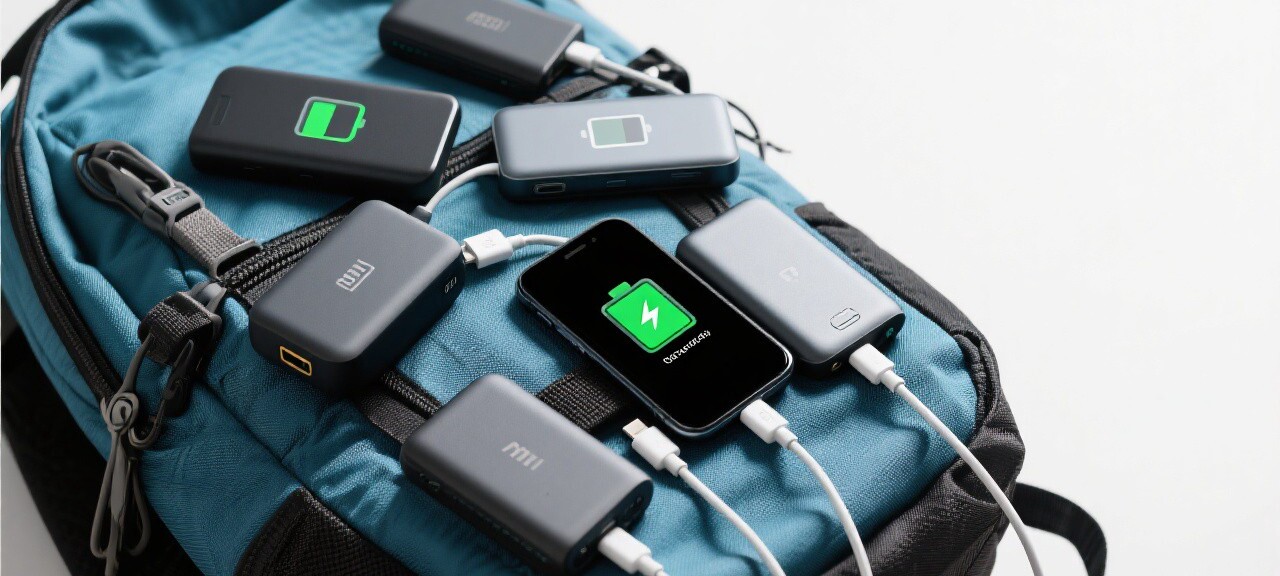
My phone died at 2 PM on a 14-hour travel day from Chiang Mai to Bangkok. I had taken a bus, two trains, and a tuk-tuk, and my phone was my map, my ticket, my translator, and my camera. Without it, I was lost, literally, in a city where I did not speak the language and could not read the signs. I spent the next four hours wandering around Bangkok's Hua Lamphong train station area, asking for directions in broken English, until I found a cafe with an outlet and charged my phone enough to call a Grab ride to my hostel. That experience taught me to take phone charging seriously, and I have since developed a system that keeps my phone alive through the longest travel days.
The Hardware Setup
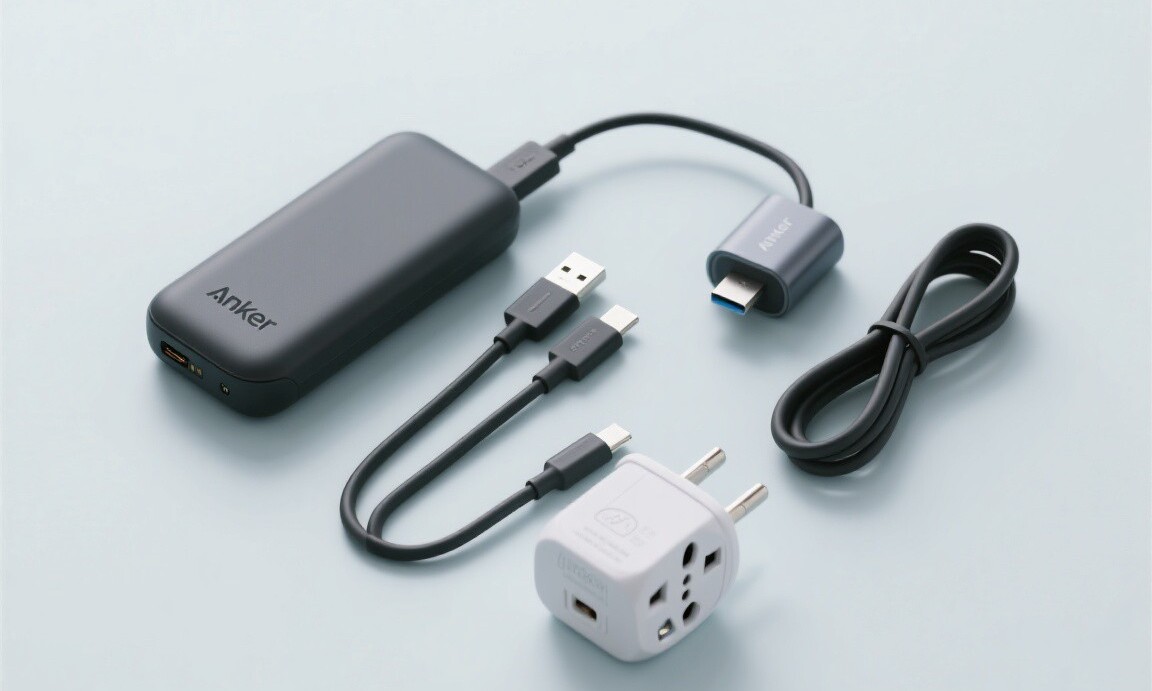
The foundation of my charging system is an Anker PowerCore 20,000 mAh power bank. It costs $36, weighs 12.5 ounces, and can charge my iPhone 15 Pro about four times. I have used this power bank on every trip for the past three years, and it has never failed me. The 20,000 mAh capacity is large enough for multi-day trips without access to an outlet, and the USB-C port delivers 18W fast charging, which can bring my phone from 20 percent to 80 percent in about 45 minutes.
I carry two charging cables: a 3-foot USB-C to Lightning cable for my phone and a 6-foot USB-C to USB-C cable for my power bank and other devices. The 3-foot cable is for charging on the go, when I am holding the phone and the power bank in my hand or pocket. The 6-foot cable is for charging in hotel rooms and airports, where the outlet might be far from the bed or desk. Both cables are braided nylon, which is more durable than the rubber-coated cables that Apple includes with their phones. I have had the same two cables for two years without any fraying.
A universal travel adapter is the third essential piece of hardware. I use the Epicka Universal Power Adapter, which costs $26 and has outlets for over 150 countries. It has two USB-A ports, one USB-C port, and one AC outlet, which means I can charge my phone, power bank, and another device simultaneously from a single wall outlet. The adapter is compact, about the size of a tennis ball, and has a built-in fuse for surge protection. I have used it in Europe, Asia, Africa, and South America without any issues.
Software and Behavioral Strategies
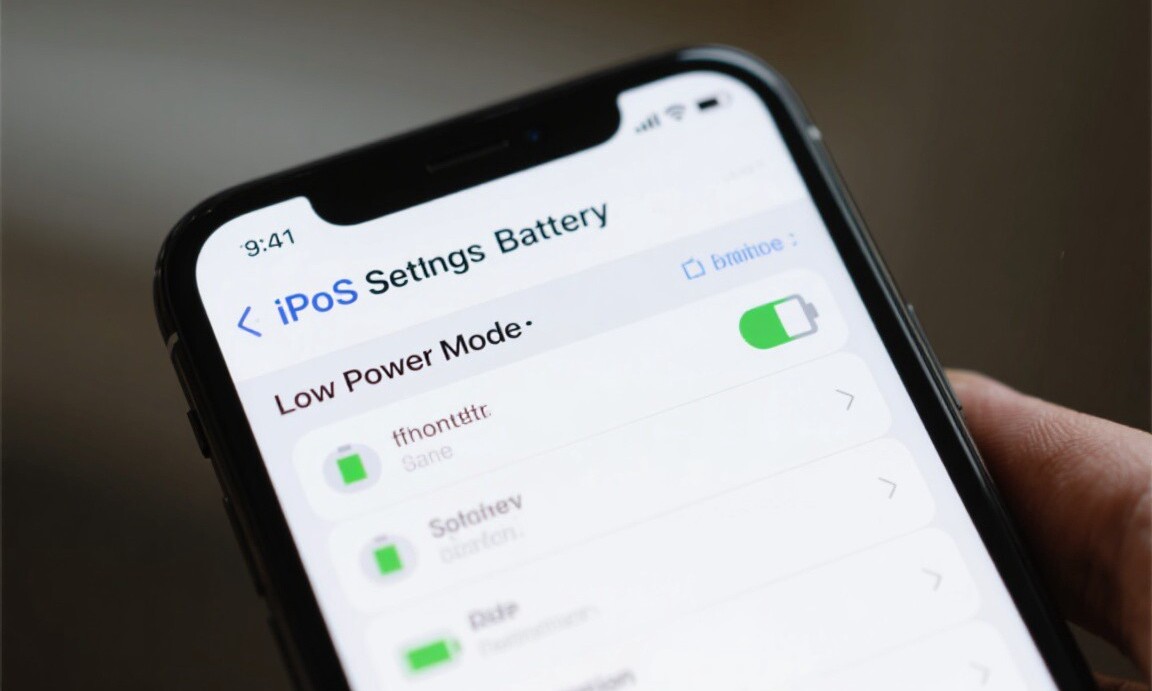
Hardware alone is not enough. How you use your phone determines how quickly the battery drains. On long travel days, I implement a set of software optimizations that extend my battery life by 30 to 50 percent. First, I turn on Low Power Mode, which reduces screen brightness, disables background app refresh, and limits visual effects. On an iPhone, this is in Settings > Battery > Low Power Mode. On Android, it is in Settings > Battery > Battery Saver. I keep Low Power Mode on for the entire travel day, only turning it off when I need full performance for a specific task like video recording.
I disable location services for all apps except Maps and Google Maps. Location services are one of the biggest battery drains because they require constant GPS communication. Most apps do not need your location to function. Social media apps, shopping apps, and games are the worst offenders. I go through my location settings before every trip and revoke access for everything except the apps that genuinely need it.
Downloading offline maps is a critical step. I download the map for my destination city and any cities I am transiting through before I leave WiFi. Google Maps offline maps work without a data connection for navigation, search, and business information. Having offline maps means I do not need to keep my cellular data on for navigation, which saves significant battery. In Vietnam, where I was using a local SIM with limited data, offline maps allowed me to navigate Hanoi, Hoi An, and Ho Chi Minh City without using any data at all.
I also change my email settings to "Fetch" instead of "Push." Push email constantly checks the server for new messages, which drains the battery. Fetch checks for new messages at intervals, which I set to every 30 minutes. This small change can add 10 to 15 percent to my battery life over a full day. I also close apps that I am not actively using. Double-clicking the home button (or swiping up on newer iPhones) shows all open apps, and I close anything that is running in the background. This is less important on modern iPhones, which manage background apps efficiently, but it still helps on older devices or when battery is critically low.
A dead phone in a foreign country is more than an inconvenience. It is a safety risk. You lose your ability to navigate, communicate, translate, and call for help. My charging system, the Anker power bank, two cables, universal adapter, and software optimizations, costs about $65 total and weighs less than a pound. It has kept my phone alive through 18-hour travel days across 40 countries. Do not leave home without it.
Former airline analyst turned travel deal hunter. Tom knows every trick to find the cheapest flights and hotels.
Related Reading
Explore more articles on this topic from our travel guides and tips.
-
1
Travel Mistakes That Will Get You Banned or Denied Boarding Travel Hacks · May 6, 2026
-
2
How to Score $200 Hotel Rooms for $50 Hotel & Flight Deals · Apr 12, 2026
-
3
How to Use VPNs to Find Cheaper Flight Prices Travel Hacks · May 6, 2026
-
4
How to Travel Africa on a Backpacker Budget Budget Travel · May 8, 2026