The Only Travel Apps You Actually Need in 2026
I deleted 38 travel apps from my phone over the course of three months. Each one had been downloaded with high hopes and abandoned within a week. Some were redu...
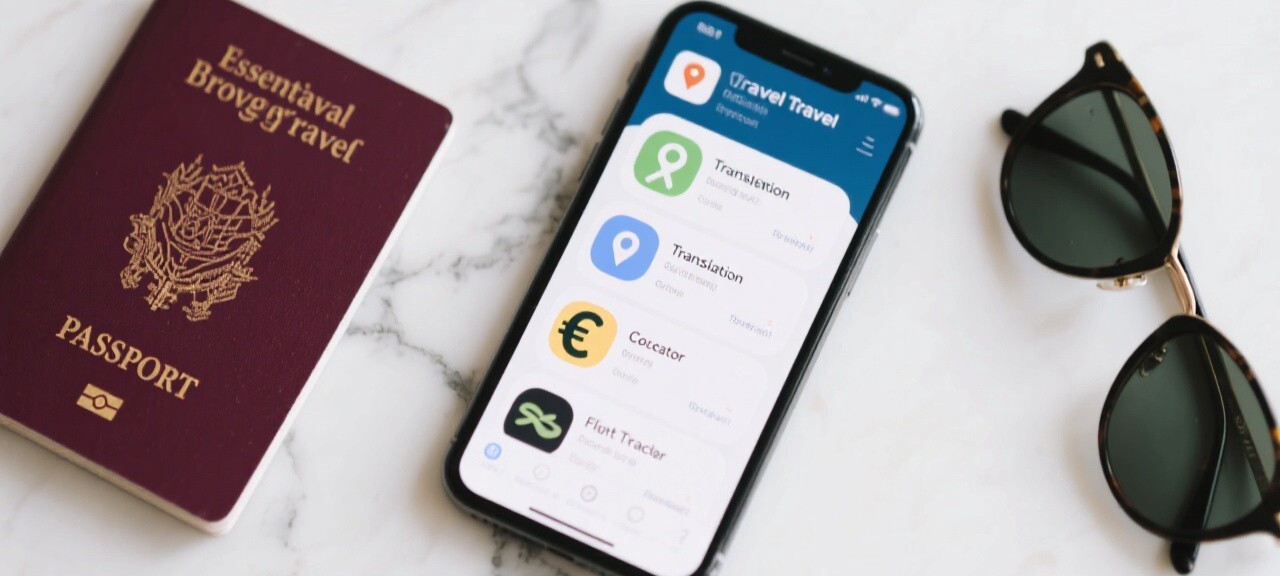
I deleted 38 travel apps from my phone over the course of three months. Each one had been downloaded with high hopes and abandoned within a week. Some were redundant, doing the same thing as another app I already had. Some were poorly designed, crashing every time I tried to use them. Some were subscription traps that charged me monthly for features I used twice. When the purge was done, I was left with six apps that I genuinely use on every trip, and these six cover every aspect of travel: navigation, accommodation, transport, food, money, and communication.
Navigation: Google Maps and Maps.me
Google Maps is the first app I open every morning when traveling. I use it for walking directions, public transit routes, finding nearby restaurants, and reading reviews. The feature that makes it indispensable is offline maps. Before every trip, I download the map for the entire country or region I am visiting while connected to WiFi. In Japan, I downloaded the maps for Tokyo, Kyoto, and Osaka, and then used Google Maps for navigation without any data connection. The offline maps include walking directions, transit information, and business hours, which is enough for most daily navigation needs.
Maps.me is my backup for areas where Google Maps' data is weak, which includes most developing countries and rural areas. In Nepal, while trekking to Everest Base Camp, Google Maps had no trail data, but Maps.me showed the entire route with elevation profiles and waypoints for tea houses. In rural Cambodia, Maps.me correctly navigated me through dirt roads and river crossings that Google Maps did not know existed. The app is free, works entirely offline, and has saved me from getting lost in places where getting lost could be a serious problem.
Accommodation and Transport: Booking.com and Rome2Rio
Booking.com is the only accommodation app I need. It has the largest inventory of any booking platform, the most generous cancellation policy, and a reliable review system. I use it to book hostels, hotels, and apartments, always choosing the free cancellation option when available. The "Genius" loyalty program gives me discounts of 5 to 10 percent at select properties after a certain number of bookings, which has saved me about $200 over the past year. I have the app set to notify me of price drops on saved searches, which has caught several deals I would have missed otherwise.
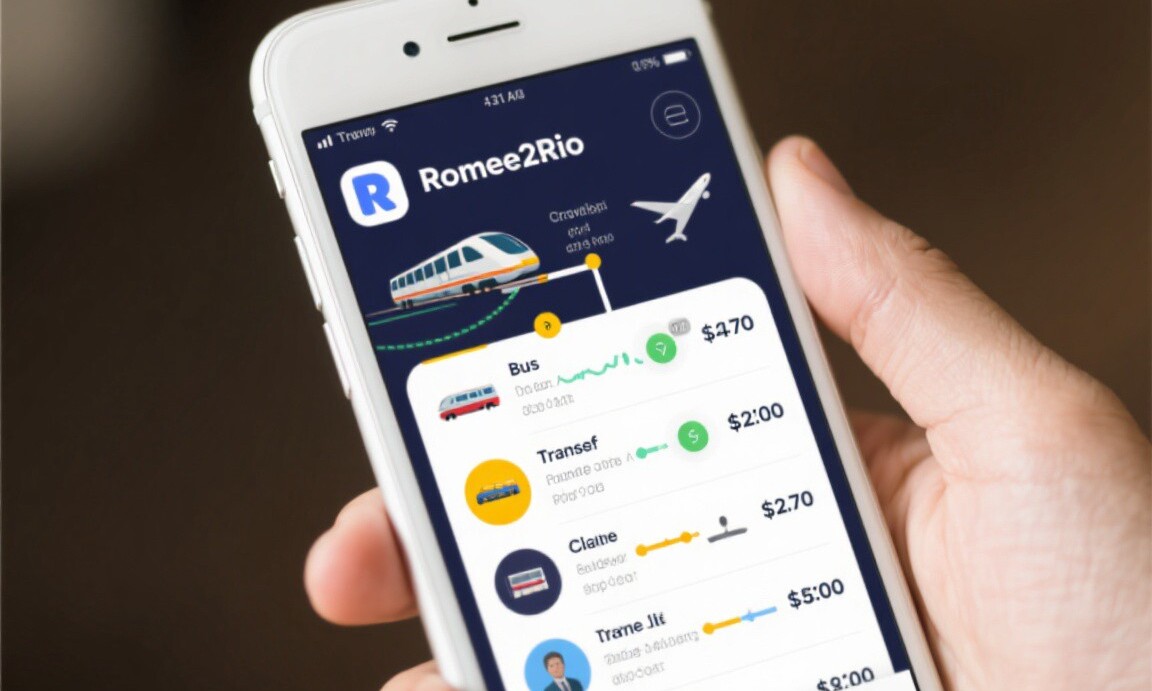
Rome2Rio is the app I use for planning transport between cities. It shows every possible combination of flights, trains, buses, and ferries for any route, along with estimated prices and travel times. In Colombia, I used Rome2Rio to find a combination of a bus from Medellin to Salento and a Jeep from Salento to the Cocora Valley that cost a total of 55,000 pesos ($14) and took four hours. No guidebook mentioned this specific combination, and it was the cheapest and most efficient way to reach the valley. Rome2Rio is not perfect, the prices are estimates and sometimes inaccurate, but it is the best starting point for figuring out how to get from point A to point B.
Food, Money, and Communication
For food, I use Google Maps' "Nearby" feature, which shows restaurants and cafes sorted by rating and distance. I filter for ratings above 4.2 and look for places with a high number of reviews, which indicates consistency. In Bangkok, this method led me to a restaurant called Jay Fai, a street food stall with a Michelin star, where I ate crab omelet for 400 baht ($11.30). The restaurant had a 4.7 rating with over 3,000 reviews, and the food was extraordinary.
XE Currency Converter is the money app I use multiple times per day. It shows real-time exchange rates for every currency in the world and has a simple calculator that converts between any two currencies. I use it to check whether I am being charged a fair price, to compare costs between countries, and to track my spending in my home currency. The app works offline with the last updated rates, which is useful when I do not have data connectivity.
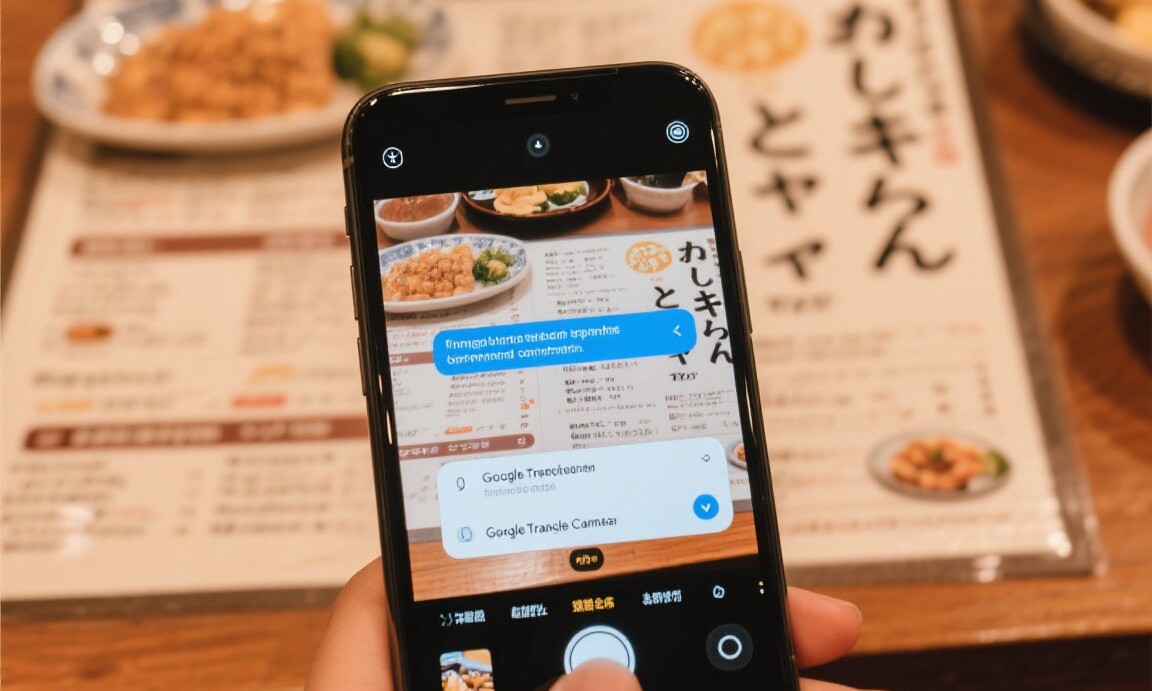
Google Translate is the communication app that has saved me in more situations than I can count. The camera feature, which translates text in real time through the phone camera, is essential for reading menus, signs, and documents in languages I do not understand. In Japan, I used it to read a menu at a restaurant in Kyoto that had no English translation. In China, I used the conversation feature to have a back-and-forth dialogue with a taxi driver who spoke no English. The translations are not perfect, but they are good enough to communicate basic needs and understand important information.
Six apps. That is all I need. Google Maps, Maps.me, Booking.com, Rome2Rio, XE Currency, and Google Translate cover every aspect of travel from planning to navigation to communication. Everything else is optional. If you have these six apps on your phone, you are prepared for 95 percent of the situations you will encounter while traveling. The app stores are full of travel apps that promise to change your life. Most of them will just take up storage space.
Budget travel expert who has visited 60+ countries on a shoestring budget. She shares practical tips to help anyone travel for less.
Related Reading
Explore more articles on this topic from our travel guides and tips.
-
1
How I Traveled Japan for 21 Days on $1200 Budget Travel · May 10, 2026
-
2
The Hidden Costs of Travel Nobody Warns You About Budget Travel · Apr 7, 2026
-
3
Travel Booking Sites Compared: Which One Actually Has the Best Deals Travel Hacks · Apr 20, 2026
-
4
Exploring Peru on a Budget: Lima, Cusco, and the Sacred Valley Destination Guides · Apr 23, 2026